
FAPIhub Developer Blog

Tutorials, comparisons, and integration guides for developers building with background removal.

All articles

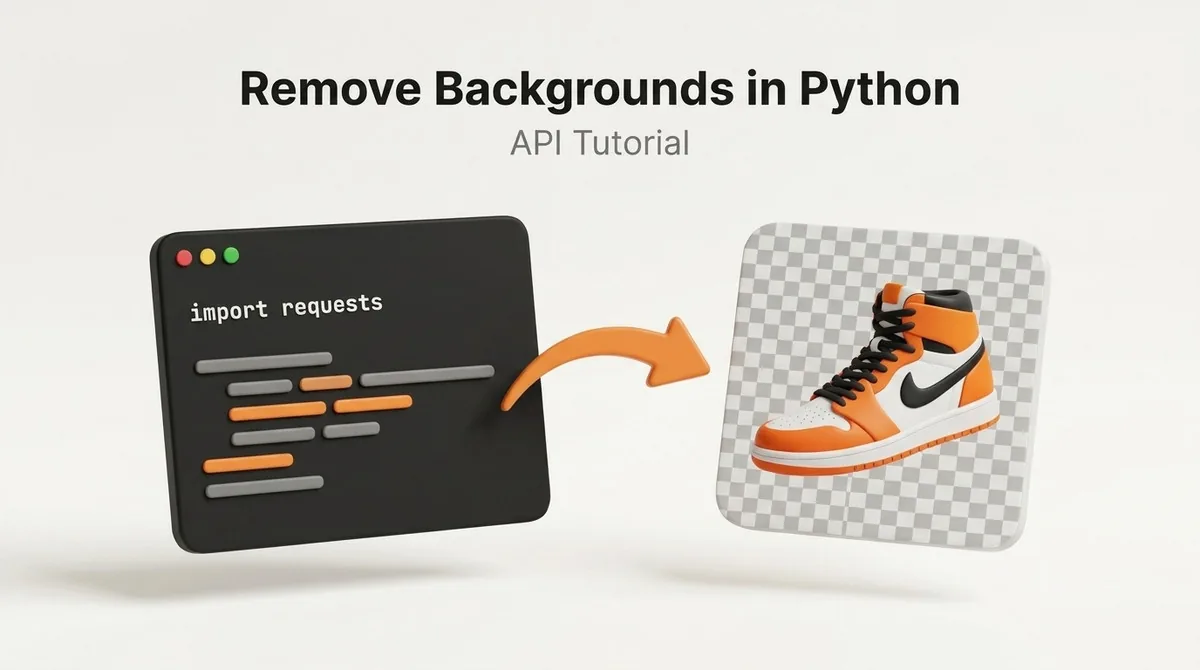
How to Remove Image Backgrounds in Python (API Tutorial 2026) featured image

How to Remove Image Backgrounds in Python (API Tutorial 2026)

Step-by-step Python integration guide, including robust error handling and batch workflows.
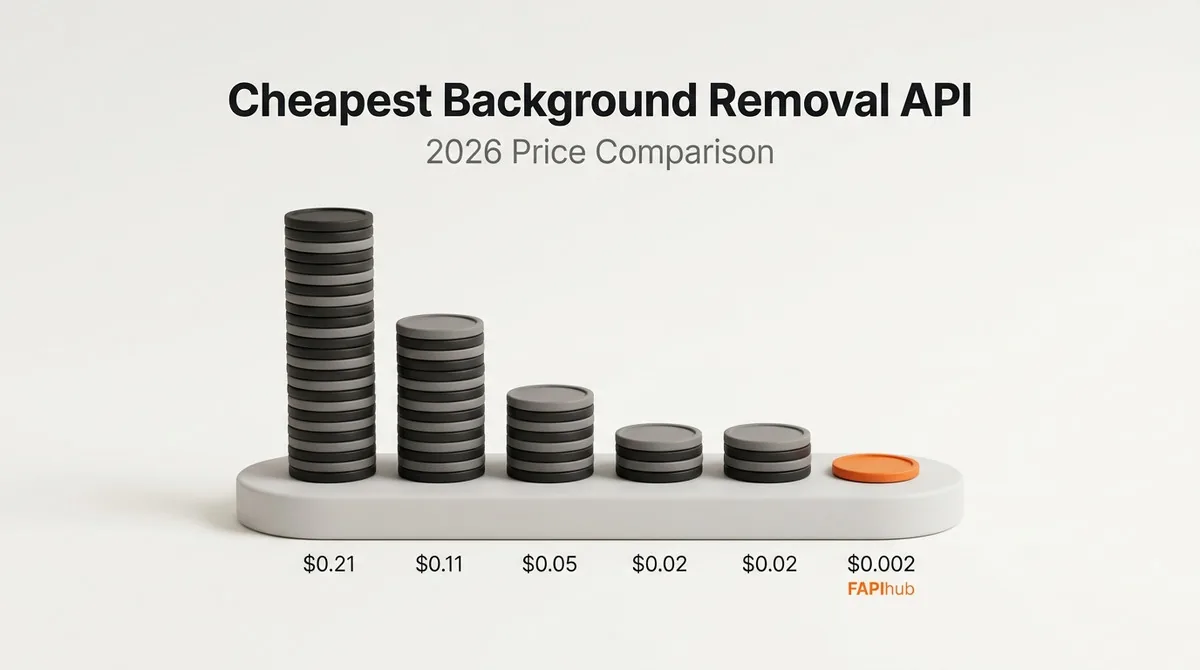
Cheapest Background Removal API in 2026 — Full Price Comparison featured image

Cheapest Background Removal API in 2026 — Full Price Comparison

A practical pricing benchmark across 6 providers, focused on what developers pay at scale.

How to Automate Product Image Background Removal for E-commerce featured image

How to Automate Product Image Background Removal for E-commerce

An implementation guide for e-commerce teams processing product imagery at scale.
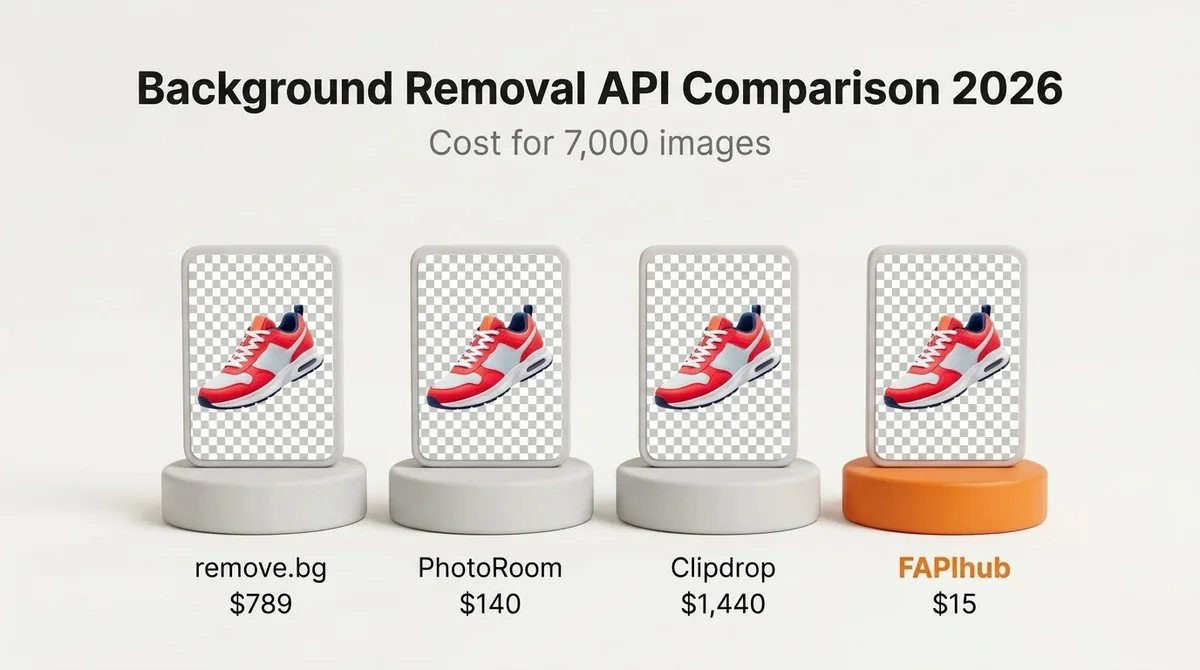
Background Removal API Comparison 2026: remove.bg vs PhotoRoom vs Clipdrop vs FAPIhub featured image

Background Removal API Comparison 2026: remove.bg vs PhotoRoom vs Clipdrop vs FAPIhub

Detailed side-by-side analysis across quality, speed, DX, and cost per image.

How to Remove Image Backgrounds in Node.js with an API featured image

How to Remove Image Backgrounds in Node.js with an API

A practical Node.js integration guide for uploading images, saving transparent PNG results, and handling API failures.
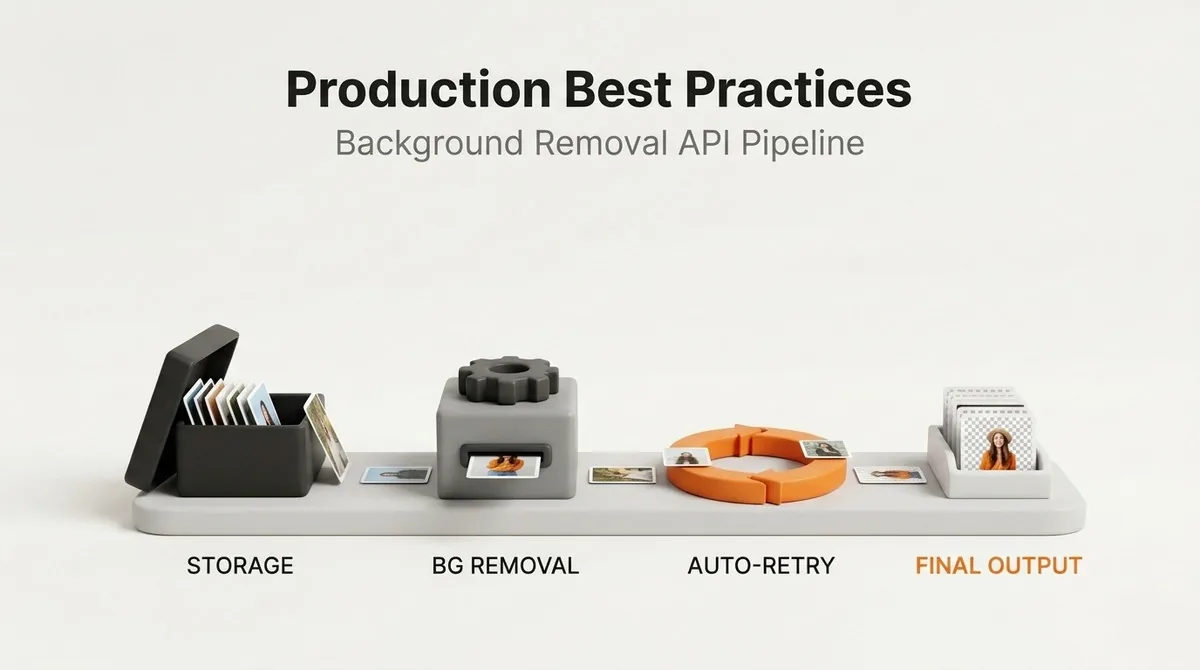
Production Best Practices for a Background Removal API Pipeline featured image

Production Best Practices for a Background Removal API Pipeline

The operational checklist for turning a one-off background removal API call into a dependable production workflow.
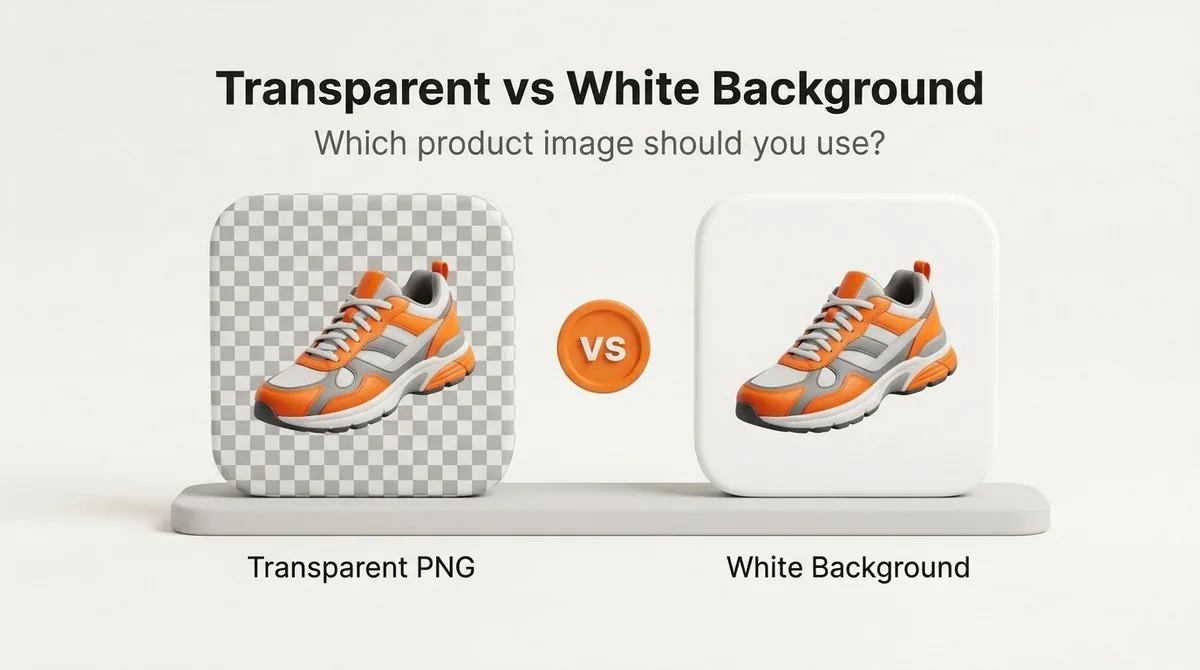
Transparent vs White Backgrounds: Which Product Image Should You Use? featured image

Transparent vs White Backgrounds: Which Product Image Should You Use?

A practical decision guide for choosing the right background output for marketplaces, storefronts, ads, and reusable product assets.

Background Removal API with cURL: A REST Quickstart featured image

Background Removal API with cURL: A REST Quickstart

A concise REST quickstart for developers who want to test background removal from a terminal or shell script.
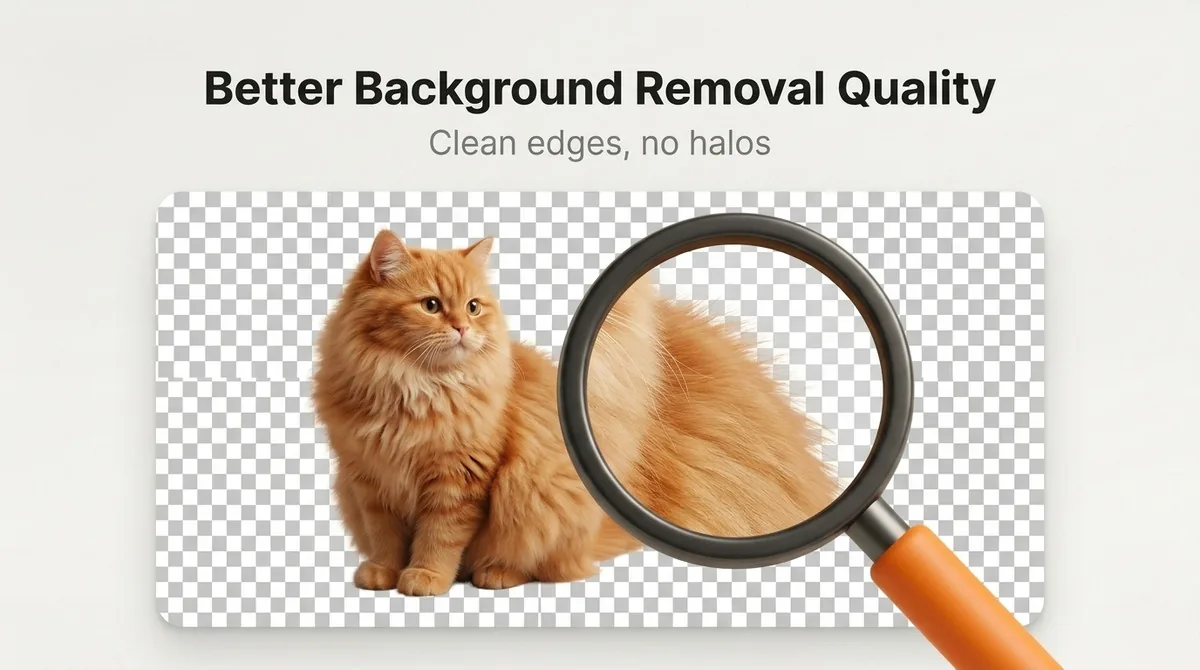
How to Improve Background Removal Quality and Avoid Halos featured image

How to Improve Background Removal Quality and Avoid Halos

A troubleshooting guide for cleaner edges, fine details, hair, transparent objects, and difficult lighting conditions.

Designing a Mobile Background Removal Upload Workflow featured image

Designing a Mobile Background Removal Upload Workflow

A mobile-focused workflow for validating photos, uploading securely, showing progress, and delivering a transparent result.
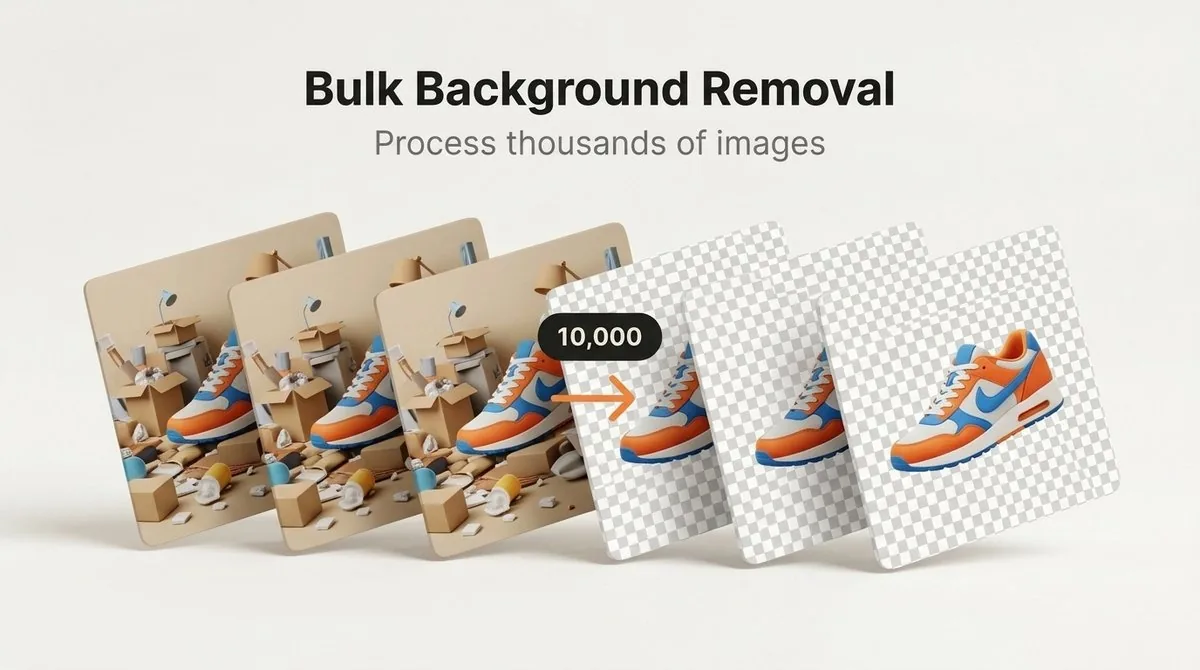
Bulk Background Removal: How to Process Thousands of Images with an API featured image

Bulk Background Removal: How to Process Thousands of Images with an API

A practical batch-processing script that removes backgrounds from large image folders without hitting rate limits or reprocessing finished files.
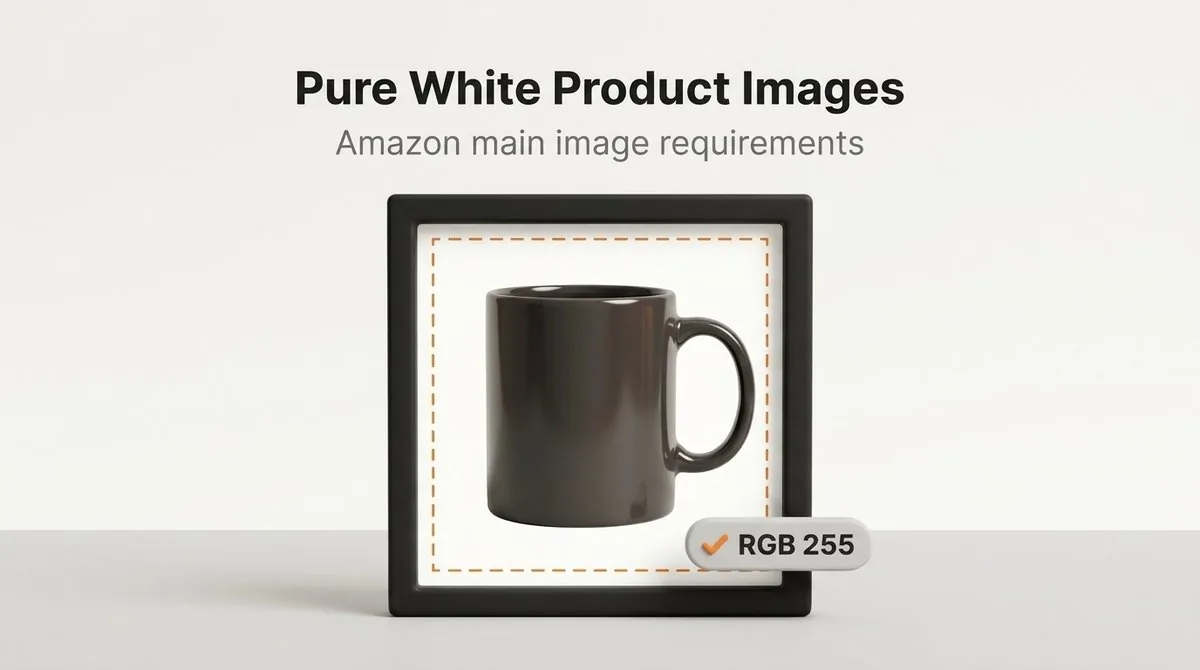
Amazon Product Image Requirements: How to Get a Pure White Background featured image

Amazon Product Image Requirements: How to Get a Pure White Background

Automate Amazon-ready main images: remove the background, center the product, and place it on pure white at the right size.

Shopify Product Images: Remove Backgrounds Automatically featured image

Shopify Product Images: Remove Backgrounds Automatically

How Shopify merchants can use a background removal API to create a consistent, fast-loading product catalog without manual editing.
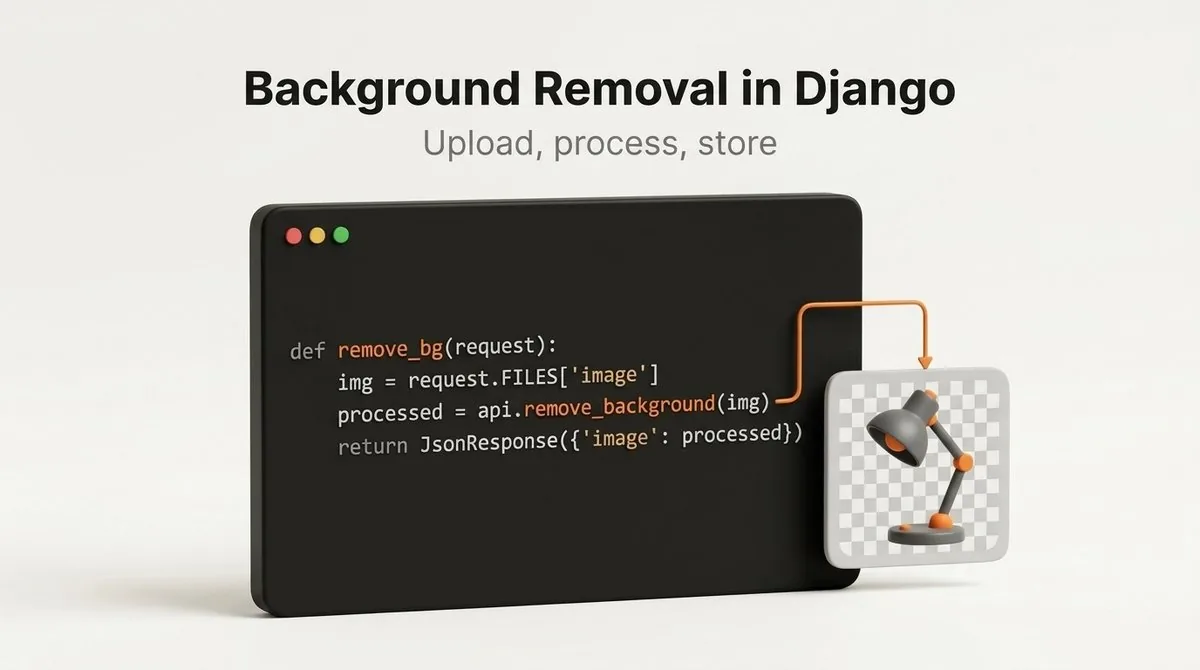
How to Add Background Removal to a Django App featured image

How to Add Background Removal to a Django App

A step-by-step Django tutorial: accept an upload, call the background removal API from a service function, and store the result on a model.

How to Blur an Image Background with an API (Portrait Mode Effect) featured image

How to Blur an Image Background with an API (Portrait Mode Effect)

Use the blur endpoint to keep the subject sharp and soften the background, the same effect phone cameras call portrait mode.
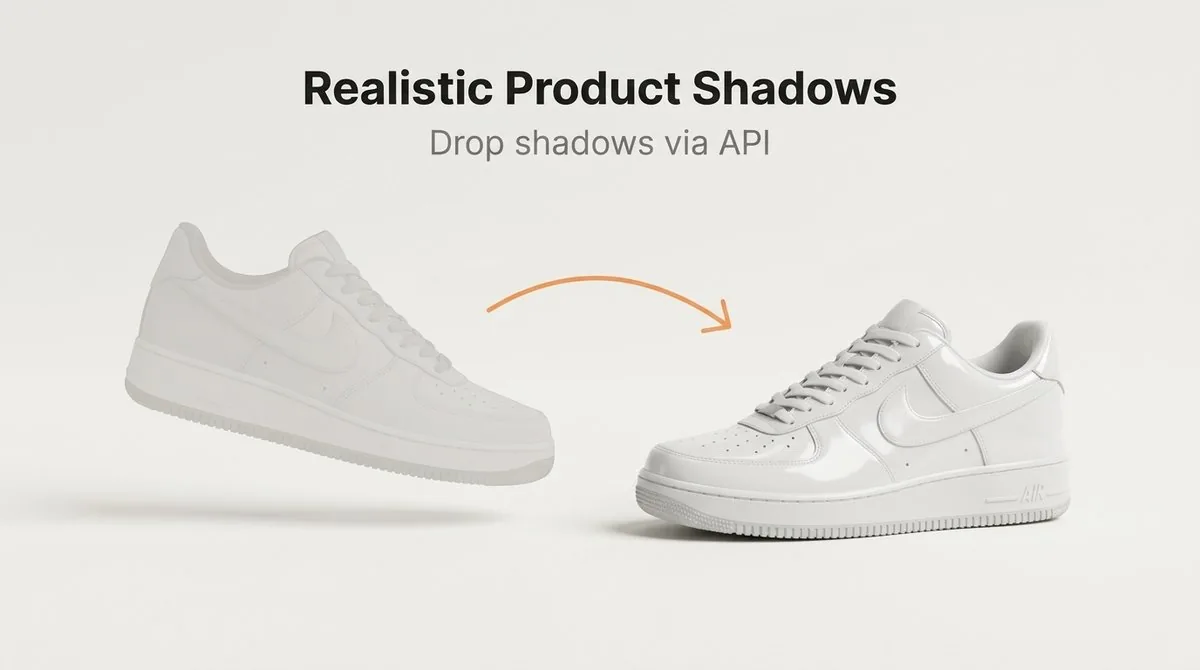
Add Realistic Drop Shadows to Product Photos with an API featured image

Add Realistic Drop Shadows to Product Photos with an API

Ground floating product cutouts with a soft drop shadow, using one API call and a few well-chosen parameters.
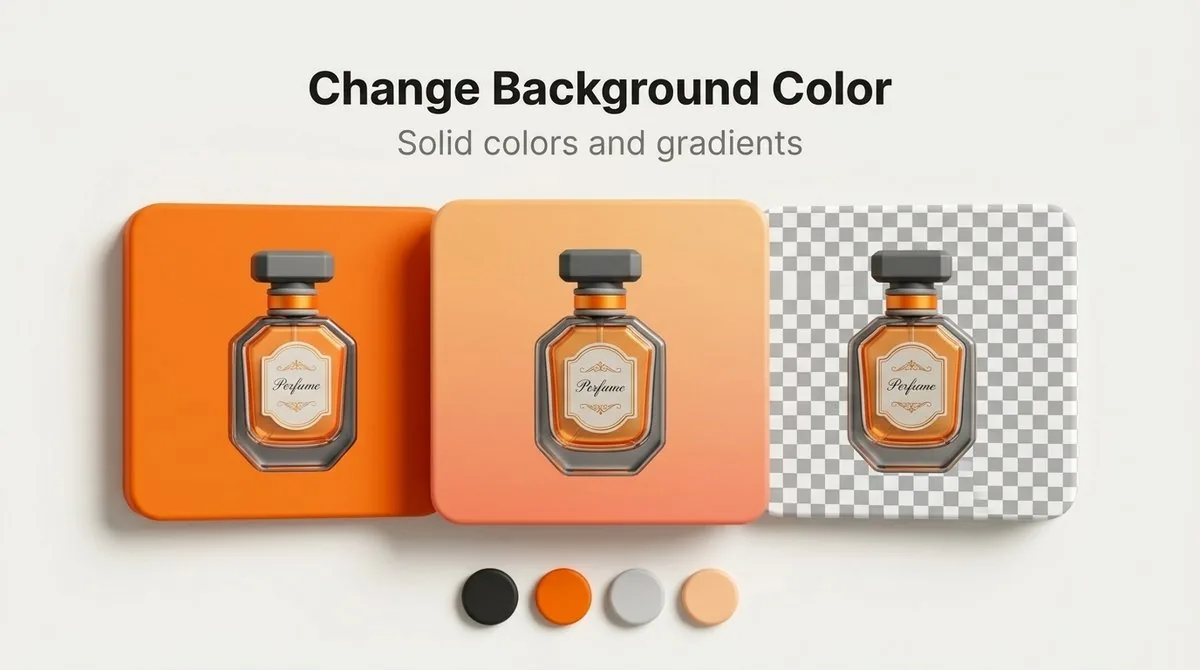
How to Change an Image's Background Color or Add a Gradient with an API featured image

How to Change an Image's Background Color or Add a Gradient with an API

Swap a photo's background for a solid brand color or a two-color gradient using the color and gradient endpoints.
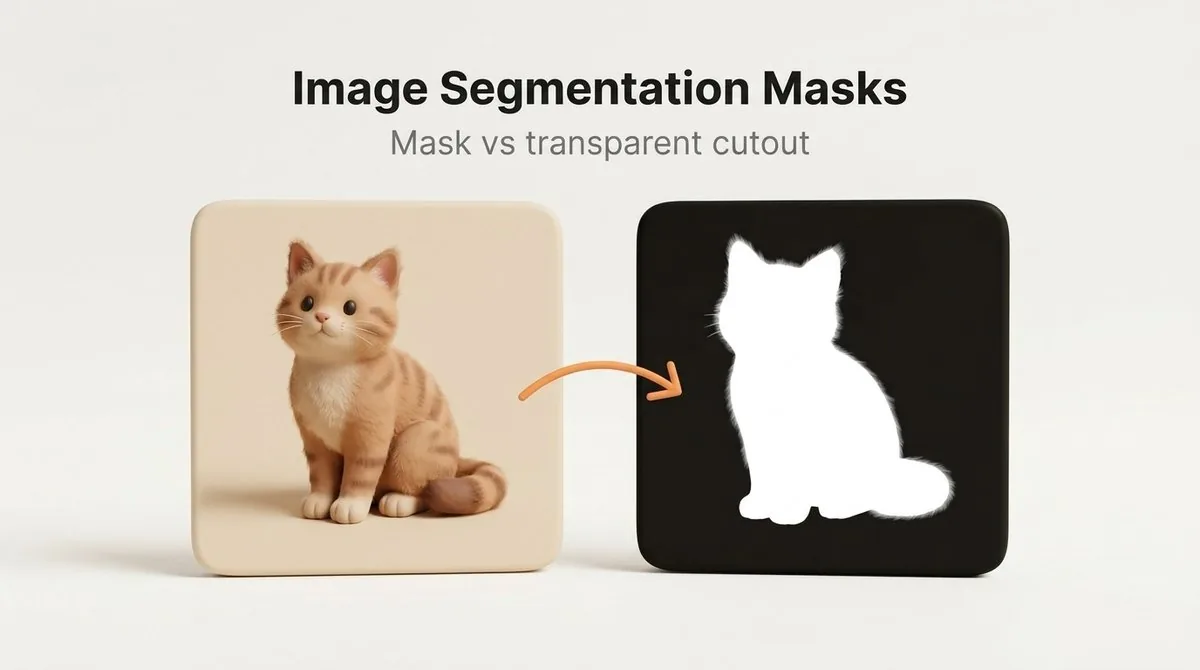
What Is an Image Mask? Using a Segmentation Mask API featured image

What Is an Image Mask? Using a Segmentation Mask API

A developer's guide to subject masks: what they are, when they beat a transparent PNG, and how to apply them with Pillow.

How to Remove the White Background from a Logo (and Make It Transparent) featured image

How to Remove the White Background from a Logo (and Make It Transparent)

Two ways to make a logo transparent, AI segmentation and color-keying, and how to pick the right one for your file.

Background Removal API FAQ

Common questions from developers integrating background removal into their applications.

A background removal API takes an input image and returns a new image with the background removed. The result is typically a transparent PNG (or a composited image) that you can place on any background.
Most teams call the API from a backend service, then store the output in object storage or a CDN. For web and mobile apps, you can upload the original image, process it asynchronously, and show status updates to users.
Clean inputs help: good lighting, sharp subject edges, and higher resolution. In code, prefer lossless output for transparent cutouts and use caching to avoid reprocessing the same asset.
Prices vary widely between providers. FAPIhub includes 100 free requests per month at full resolution, and paid plans cost $0.00214 per image at 7,000 images a month. If you only need occasional processing, per-usage packs start at $10 for 1,000 requests that never expire.
You can upload JPEG, PNG, and WebP images. Background removal returns a transparent PNG, which you can keep as a reusable master asset or composite onto a white or custom background.
The background removal and mask endpoints accept a model parameter: falcon (the default), aurora, or ghost. Start with the default, then compare all three on a small set of your own images before choosing a production default.
Server errors (5xx responses) never count against your quota. Successful requests and client errors (4xx responses, such as an invalid image or missing field) do, so validate files before sending them.
Each plan has a per-minute request limit. When you exceed it, the API responds with 429 Too Many Requests and a Retry-After header. Wait that long before retrying, and limit concurrency in batch jobs to stay under the limit.
Yes. Besides transparent cutouts, FAPIhub has endpoints that generate a mask, blur the background, replace it with a solid color or gradient, add a shadow, or generate a new background with AI.