
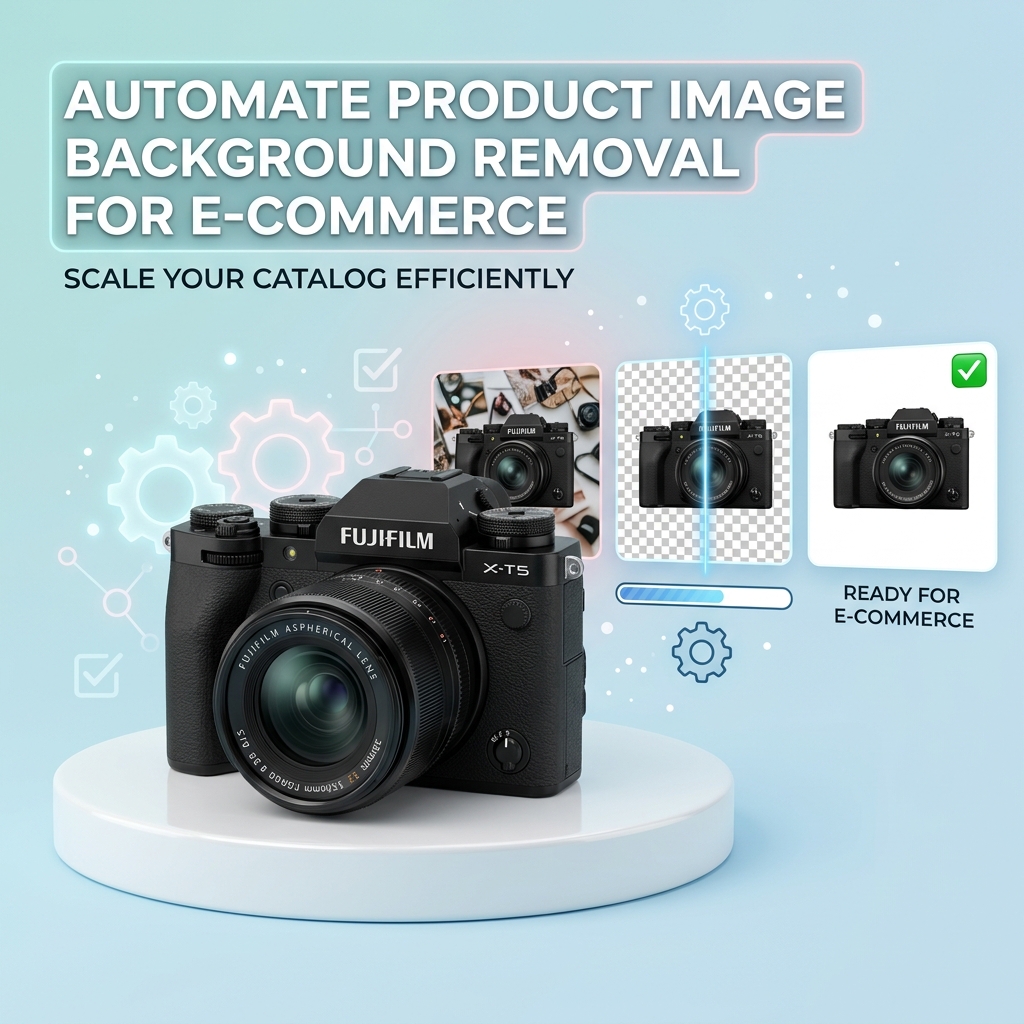
Removing a background is only the first decision in a product image workflow. The best output depends on where the image will be published and whether another system needs to place the product on a new surface later.
Use transparency as the source asset
A transparent PNG is the most flexible result. It lets a storefront, design tool, or ad system choose the final background at render time. Keep this version as your master asset when the same product will appear across multiple channels.
- Best for reusable catalog assets and compositing.
- Works well for logos, product cards, and custom store themes.
- Preserves flexibility for later color or gradient changes.
Use white for marketplace listings
Some marketplaces require the main product image to use a pure white background. A white composite is also useful when the destination does not support alpha transparency or when consistent thumbnails matter more than design flexibility.
import requests

with open("product.jpg", "rb") as image_file:
    response = requests.post(
        "https://fapihub.com/v2/rembg/color/",
        headers={"ApiKey": "YOUR_API_KEY"},
        files={"image": image_file},
        data={"background_color": "255,255,255"},
        timeout=30,
    )
response.raise_for_status()
open("product-white.png", "wb").write(response.content)
Use brand colors for campaigns
Social posts, promotional tiles, and seasonal landing pages often need a stronger visual treatment. Generate the transparent cutout once, then create channel-specific versions with a color or gradient endpoint. This avoids repeatedly segmenting the same original image.
Watch for halos and edges
Light objects against light backgrounds and fine details such as hair, fur, or transparent packaging need extra review. Inspect the edge at 100% zoom, especially when moving a cutout from a dark preview to a white marketplace background. Consistent lighting and a sharp source image improve results more than simply increasing output dimensions.
A simple asset strategy
- Keep the original upload unchanged.
- Create one transparent PNG as the canonical cutout.
- Generate white, colored, or gradient derivatives per channel.
- Store the processing options with each derivative.
This approach keeps your catalog consistent and makes future redesigns inexpensive. For the complete automation flow, read our e-commerce product image automation guide.