Superior Quality

Background Removal Quality Comparison

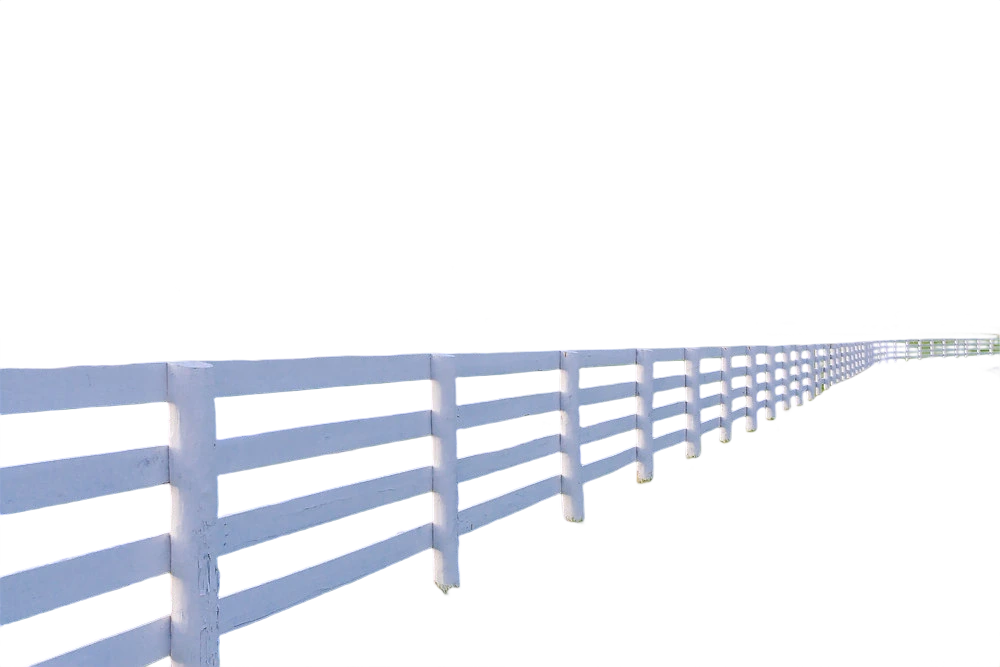
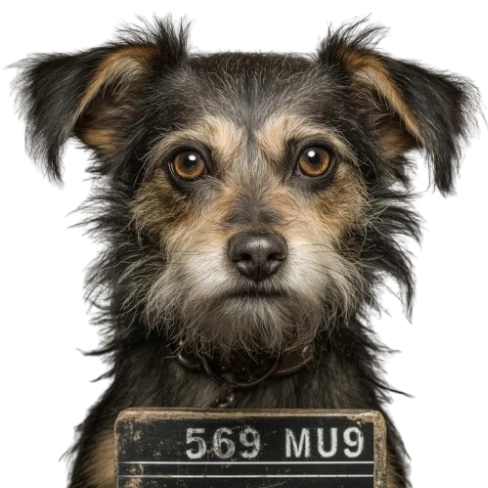
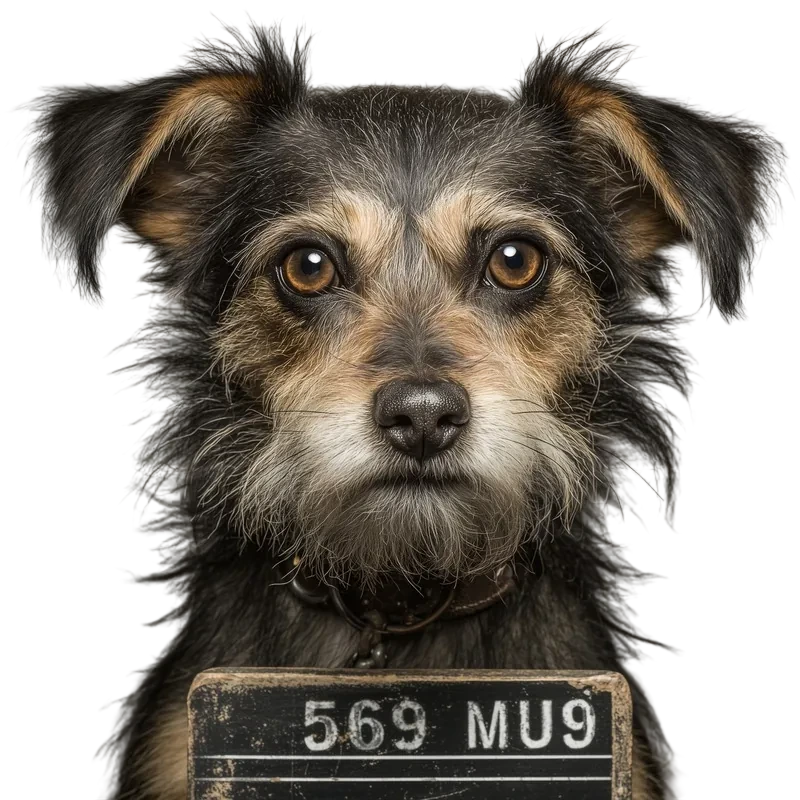
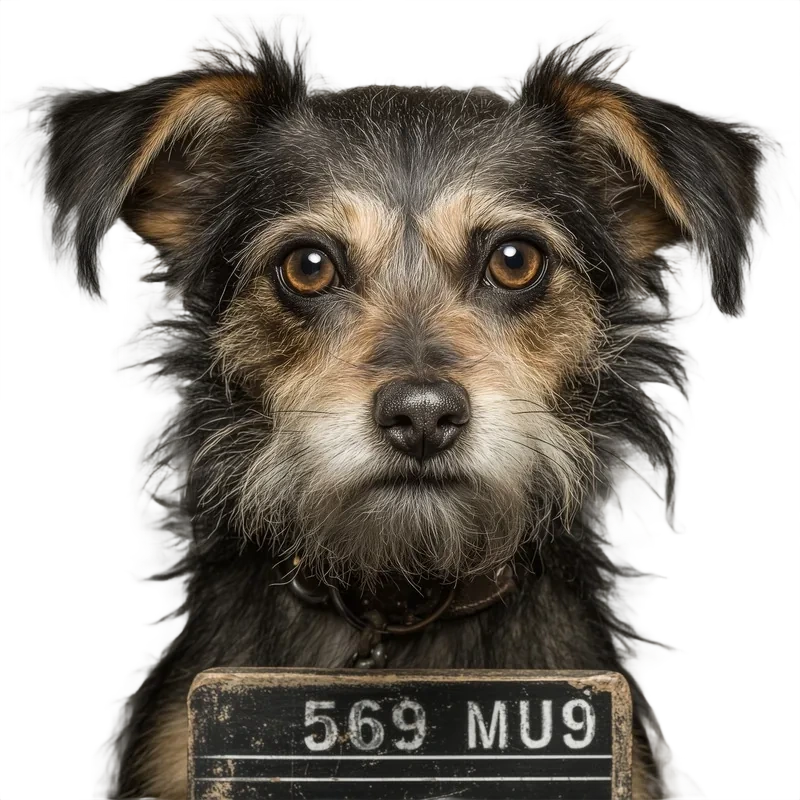
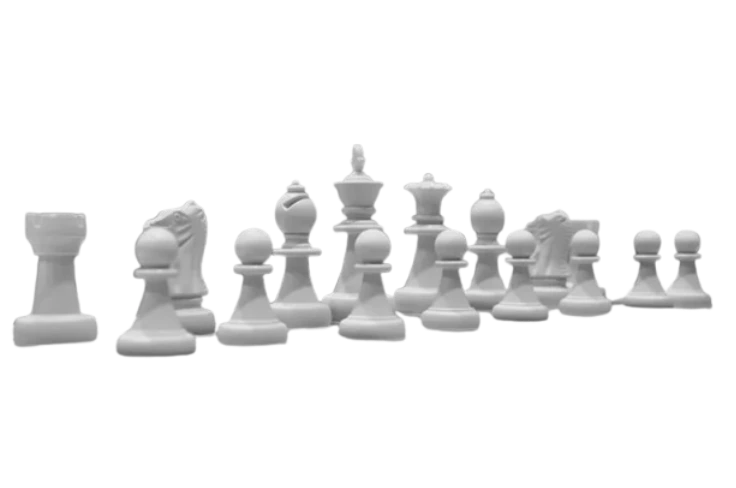
The same photos run through FAPIhub, remove.bg, and PhotoRoom, shown side by side at full resolution. Look closely at hair, fur, transparent objects, and fine edges, where background removal models differ most.

See the difference in quality. Our AI delivers cleaner edges and better detail preservation. Click on any image to zoom in and examine the details. Some of the images were gotten from the original dataset and some were taken from withoutbg.com.

Change Background Color
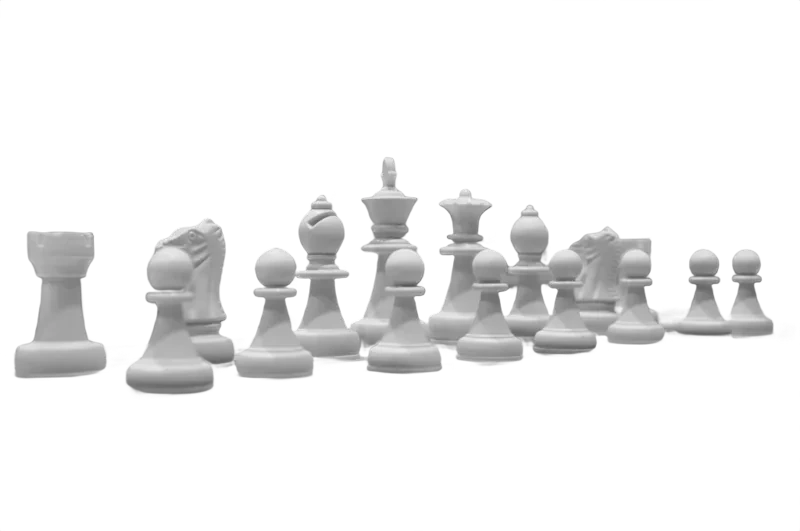
Original
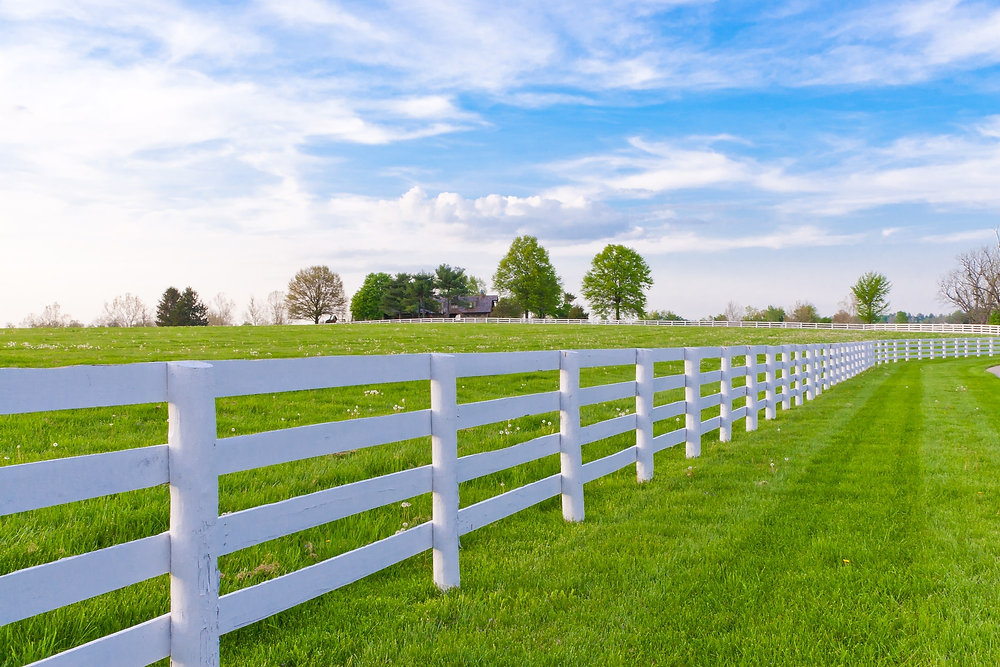
remove.bg
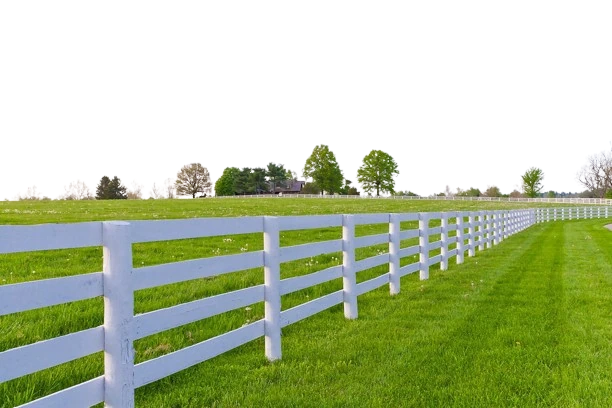
PhotoRoom
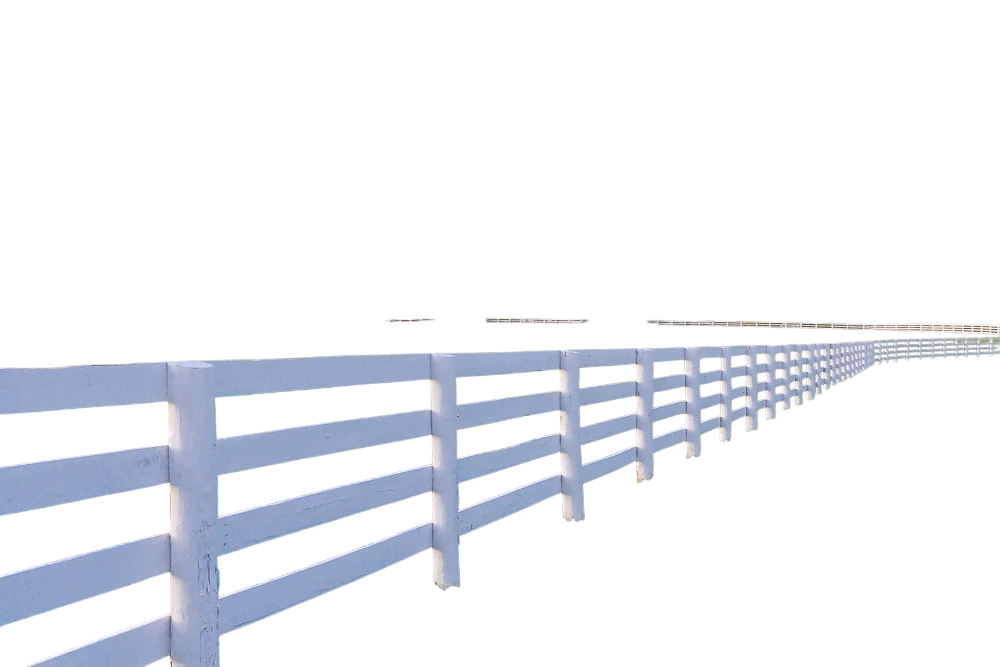
Ours
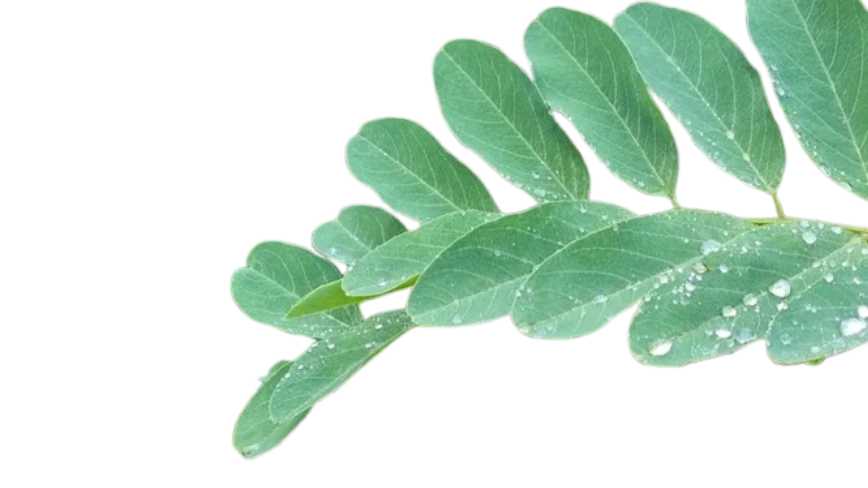
Sample 1: original photo before background removal
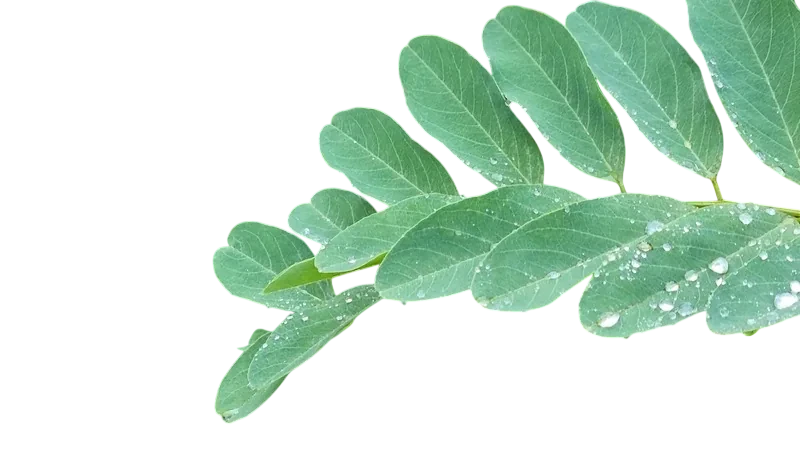
Sample 1: background removed with remove.bg
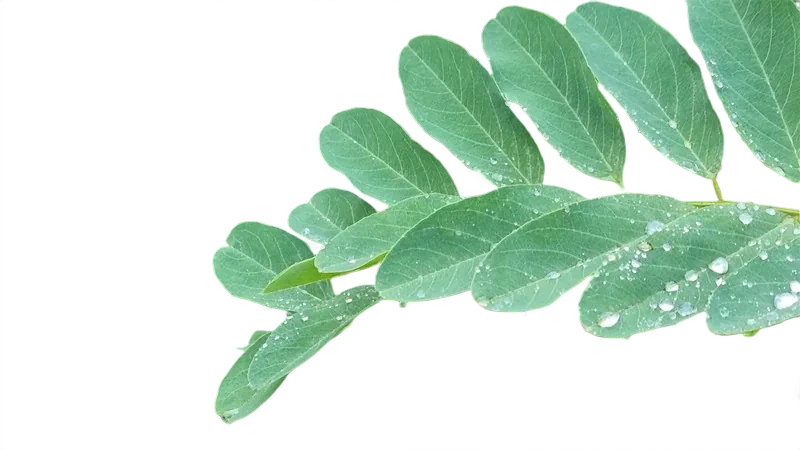
Sample 1: background removed with PhotoRoom
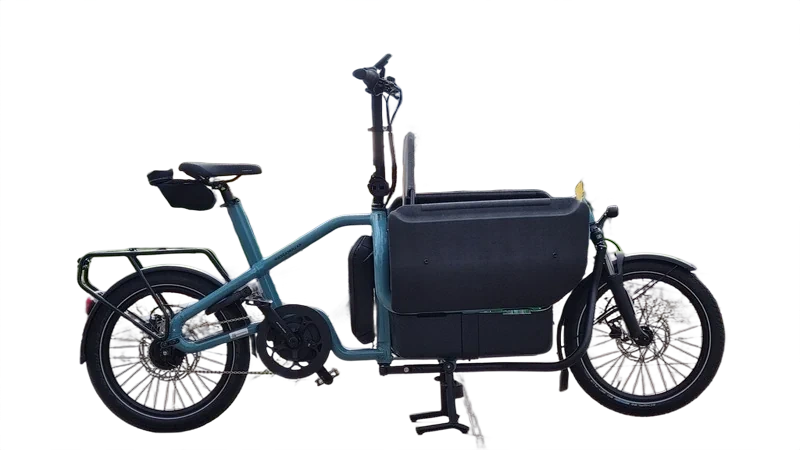
Sample 1: background removed with FAPIhub API
Sample 2: original photo before background removal
Sample 2: background removed with remove.bg
Sample 2: background removed with PhotoRoom
Sample 2: background removed with FAPIhub API
Sample 3: original photo before background removal
Sample 3: background removed with remove.bg
Sample 3: background removed with PhotoRoom
Sample 3: background removed with FAPIhub API
Sample 4: original photo before background removal
Sample 4: background removed with remove.bg
Sample 4: background removed with PhotoRoom
Sample 4: background removed with FAPIhub API
Sample 5: original photo before background removal
Sample 5: background removed with remove.bg
Sample 5: background removed with PhotoRoom
Sample 5: background removed with FAPIhub API
Sample 6: original photo before background removal
Sample 6: background removed with remove.bg
Sample 6: background removed with PhotoRoom
Sample 6: background removed with FAPIhub API
Sample 7: original photo before background removal
Sample 7: background removed with remove.bg
Sample 7: background removed with PhotoRoom
Sample 7: background removed with FAPIhub API
Sample 8: original photo before background removal
Sample 8: background removed with remove.bg
Sample 8: background removed with PhotoRoom
Sample 8: background removed with FAPIhub API
Sample 9: original photo before background removal
Sample 9: background removed with remove.bg
Sample 9: background removed with PhotoRoom
Sample 9: background removed with FAPIhub API
Sample 10: original photo before background removal
Sample 10: background removed with remove.bg
Sample 10: background removed with PhotoRoom
Sample 10: background removed with FAPIhub API
Sample 11: original photo before background removal
Sample 11: background removed with remove.bg
Sample 11: background removed with PhotoRoom
Sample 11: background removed with FAPIhub API

How to Read This Comparison

Every sample is the same source photo processed by each provider. Most cutouts look similar at thumbnail size, so click an image to zoom in and check these four areas, where background removal models differ most.

Hair and fur

Fine strands are the hardest part of any cutout. Look for strands that are clipped off, or for patches of the old background left between them.

Edges and halos

Switch the background color with the picker above. A dark background reveals light halos, and white reveals dark fringes along the subject's outline.

Transparent objects

Glass, veils, and thin fabric should stay partly see-through. A weaker model either removes them completely or keeps a solid block of background.

Holes and gaps

Check the gaps between arms and body, bag handles, and chair legs. The background should be removed inside these openings too, not only around the outside.

Test It on Your Own Images

These samples are a fixed set, and your photos may behave differently. Product shots, portraits, and busy street scenes each stress a model in different ways, so the fairest test is a batch of your own images. FAPIhub's free plan includes 100 requests a month with no credit card, which is enough to compare all three models (falcon, aurora, and ghost) on a few dozen photos. When quality is close, cost usually decides: see the remove.bg alternative and PhotoRoom alternative pages for pricing at every volume.

Frequently Asked Questions

Yes. The free plan includes 100 requests every month, no credit card required. Upload your images in the playground, or call /v2/rembg/ from your own code and compare the PNGs side by side.
At 7,000 images a month, FAPIhub costs $15 on the Pro plan, compared with about $140 on PhotoRoom and $789 on remove.bg. See the remove.bg and PhotoRoom comparisons for every volume tier.
The background removal endpoint supports three models: falcon (the default), aurora, and ghost. Send the same image with each value in the model field and keep the one that looks best on your type of photos.
Every result is a PNG with a transparent background. Click any image on this page to open the full-resolution file and zoom into the edges.
Zoomed image