
 1,482 users
#1 ranking
1,482 users
#1 ranking
AI Background Remover API
Remove backgrounds from images automatically in 2 seconds. Don't waste time manually selecting pixels. Just upload a photo & get instant cutout with professional quality.





Powerful API Features
Everything you need to automate background removal and enhance your images at scale.


Remove Background
Automatically remove background from any image with AI precision. Supports PNG, JPG, and WebP formats. Perfect for e-commerce, profile pictures, and creative projects.
POST /v2/rembg/

Background Blur
Apply beautiful blur effects to your image backgrounds. Adjustable radius up to 50px for perfect depth of field. Create professional bokeh effects instantly.
POST /v2/rembg/blur/

Background Colorizer
Replace background with any solid color using RGB format. Perfect for product photography and portraits. Match your brand colors effortlessly.
POST /v2/rembg/color/

Gradient Background
Create stunning gradient backgrounds with custom top and bottom colors. Make your subjects pop with modern, eye-catching designs.
POST /v2/rembg/gradient/

Shadow Effect
Add realistic drop shadows to your cutout subjects. Customize shadow color, offset, and blur radius for perfect depth and dimension.
POST /v2/rembg/shadow/


Video Background Removal
Remove backgrounds from videos with our advanced AI technology. Supports all major video formats and maintains high quality output.
Video process
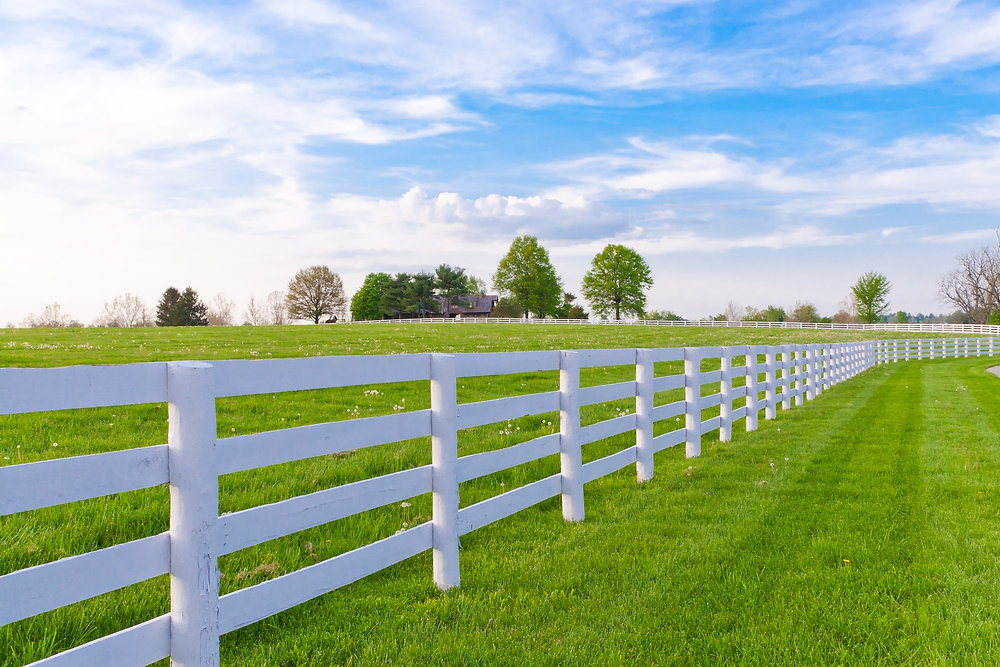
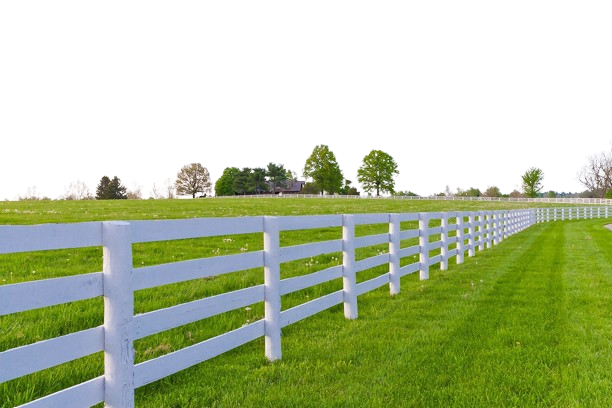
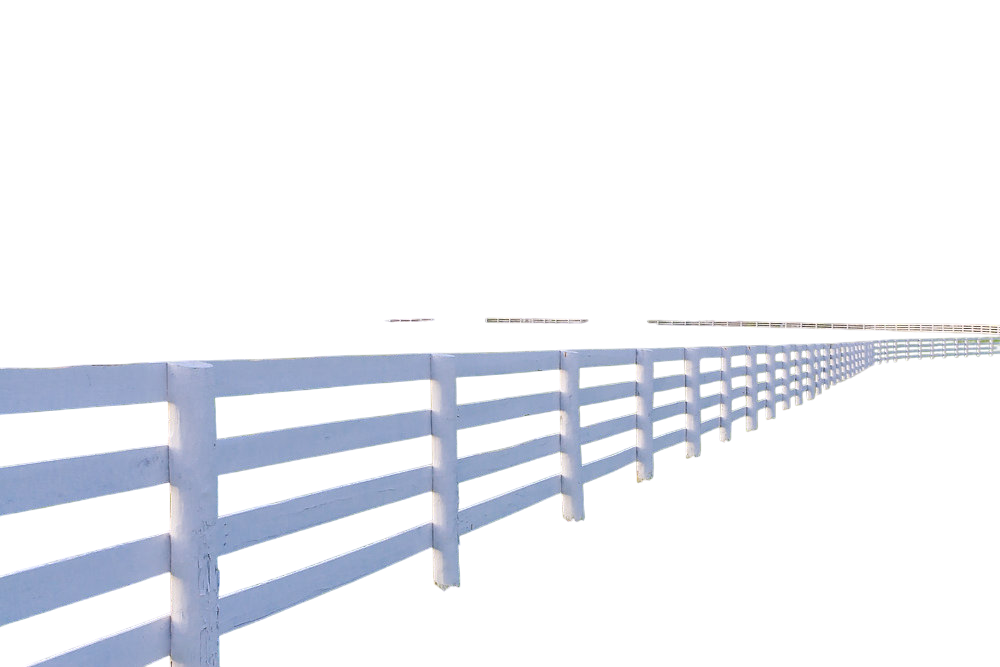
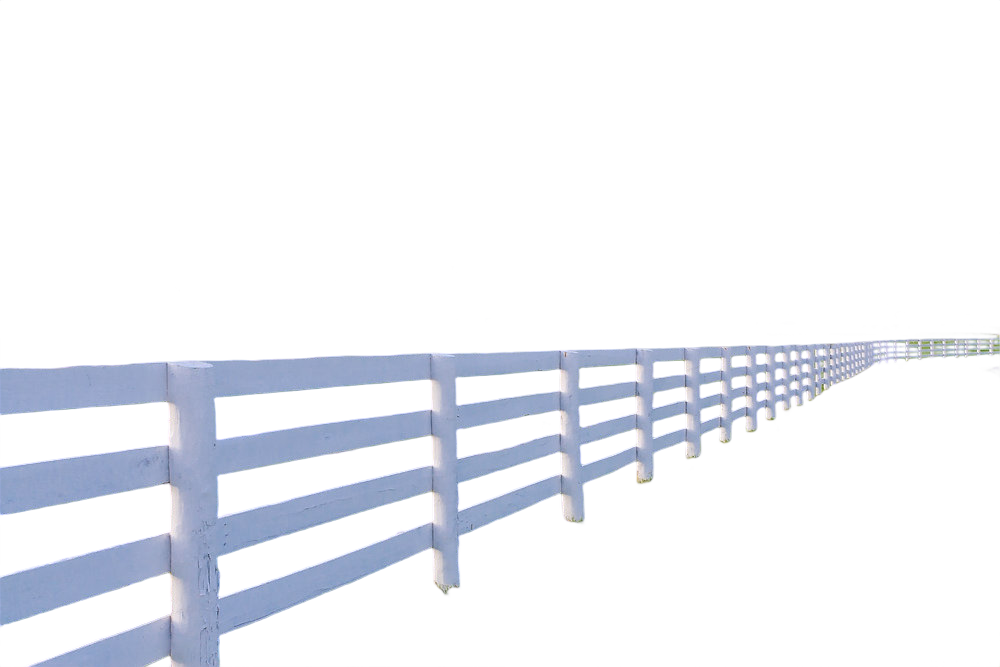
Result Comparison
See the difference in quality. Our AI delivers cleaner edges and better detail preservation.



 Best
Best



 Best
Best
 Best
Best
Model Performance & Pricing
A comparison of Accuracy, IoU, and Price per 1K requests across different providers.
Video Background Remover
Remove backgrounds from videos with our custom enterprise plans. Dedicated GPU servers, unlimited requests, and enhanced model quality.




Interested in Video Processing?
Contact us for custom enterprise plans with dedicated GPU servers.
Our Pricing Plans
Simple, transparent pricing. Choose the plan that fits your needs.
Match volume to the right plan.
Estimate monthly image volume and see the plan, effective rate, and headroom that best fits your workflow.
- BG Remover
- Shadow BG
- Color BG
- Gradient BG
- Blur BG
- Mask
- 3 AI Models
- Special Model
- Video Background Remover
- AI Background Generator
- BG Remover
- Shadow BG
- Color BG
- Gradient BG
- Blur BG
- Mask
- 3 AI Models
- Special Model
- Video Background Remover
- AI Background Generator
- BG Remover
- Shadow BG
- Color BG
- Gradient BG
- Blur BG
- Mask
- 3 AI Models
- Special Model
- Video Background Remover
- AI Background Generator
- BG Remover
- Shadow BG
- Color BG
- Gradient BG
- Blur BG
- Mask
- 3 AI Models
- Special Model
- Video Background Remover
- AI Background Generator
- BG Remover
- Shadow BG
- Color BG
- Gradient BG
- Blur BG
- Mask
- 3 AI Models
- Special Model
- Video Background Remover
- AI Background Generator
Price Comparison vs Competitors
Original In, Results Out
Start with the original image and instantly generate every variant your workflow needs.
Trusted by teams shipping at scale
Easy Integration
Get started in minutes with our simple REST API. Just send an image and receive the result.
curl -X POST "https://fapihub.com/v2/rembg/" \
  -H "ApiKey: your_api_token" \
  -F "image=@/path/to/image.jpg" \
  -F "model=falcon" \
  -o result.png
import requests
response = requests.post(
"https://fapihub.com/v2/rembg/",
headers={"ApiKey": "YOUR_API_KEY"},
files={"image": open("photo.jpg", "rb")}
)
with open("result.png", "wb") as f:
f.write(response.content)const formData = new FormData();
formData.append("image", imageFile);
const response = await fetch(
"https://fapihub.com/v2/rembg/",
{
method: "POST",
headers: { "ApiKey": "YOUR_API_KEY" },
body: formData
}
);
const resultBlob = await response.blob();$c = curl_init();
curl_setopt_array($c, [
CURLOPT_URL => "https://fapihub.com/v2/rembg/",
CURLOPT_RETURNTRANSFER => 1,
CURLOPT_POST => 1,
CURLOPT_HTTPHEADER => ["ApiKey: YOUR_API_KEY"],
CURLOPT_POSTFIELDS => ["image" => new CURLFile("photo.jpg")]
]);
$res = curl_exec($c);
file_put_contents("res.png", $res);Frequently Asked Questions
Everything you need to know about the Background Remover API.
DON'T TAKE OUR WORD FOR IT
Still not sure if FAPIhub is right for you?
Let your favorite AI do the thinking. Click a tool to see what it says about us.


